How to download Firebase Studio Project?

A few days ago, several people asked me how to download a project from Firebase Studio. Currently, it doesn't have a "download" project button like StackBlitz.
But if you want to have the code on your machine, the easiest way is to get our code, it publish your project to GitHub.
Publish Your Github
Once you've finished your project, switch from the prototyper view to the editor:
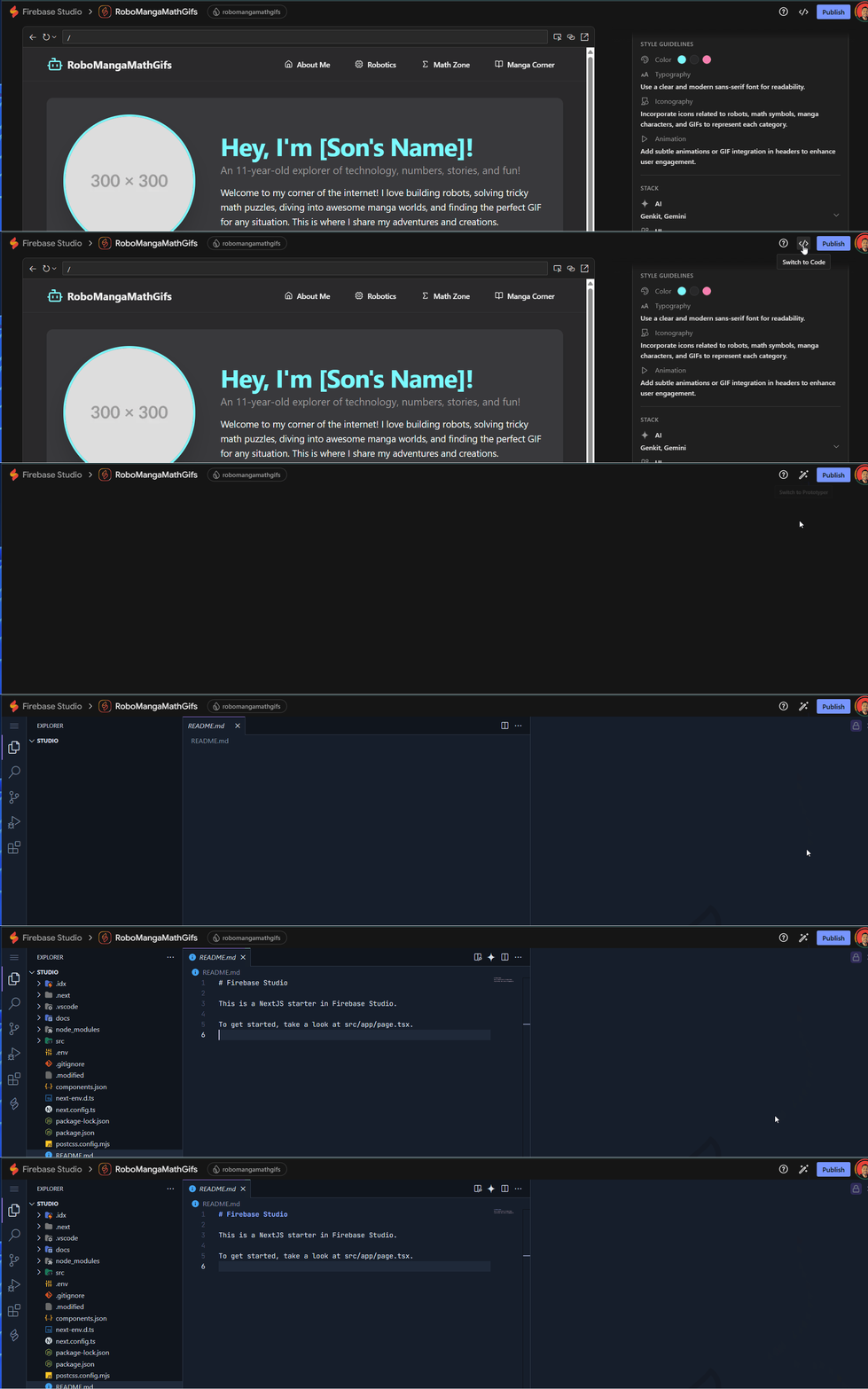
At the bottom, click the "cloud" icon to publish to GitHub:

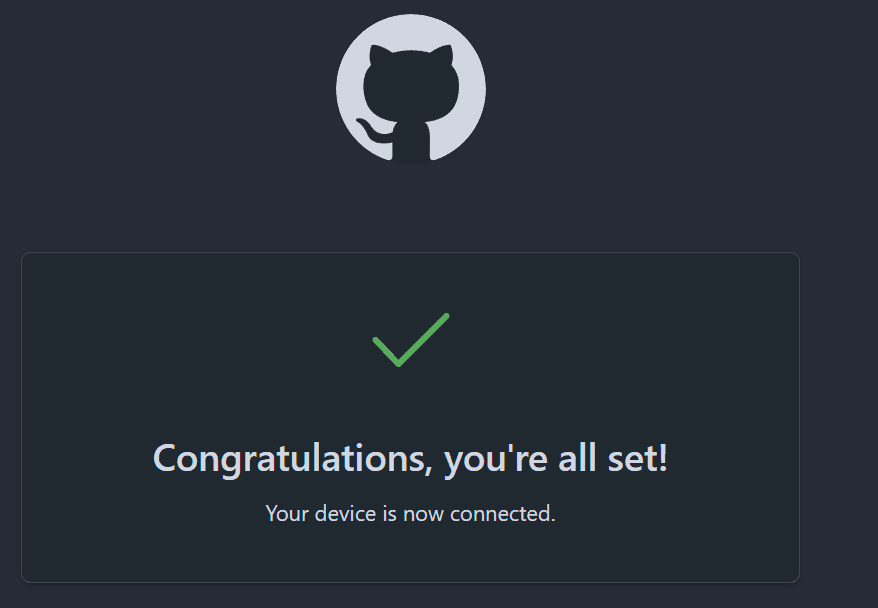
Next, you'll need to authorize your editor with GitHub, which will provide a token to enter there:
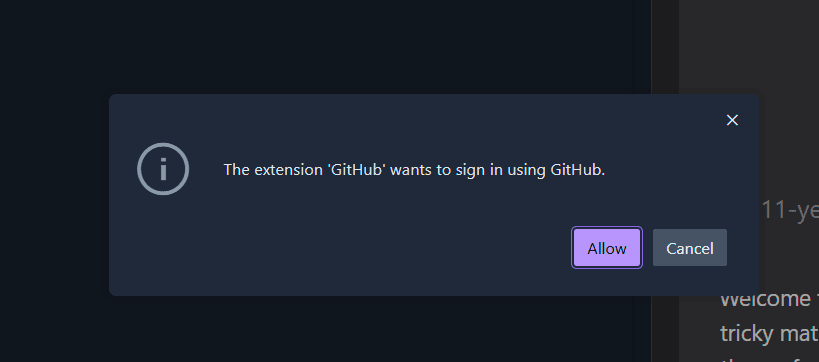
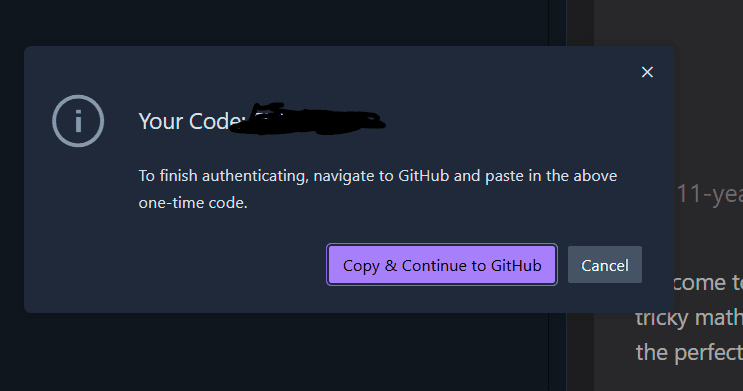
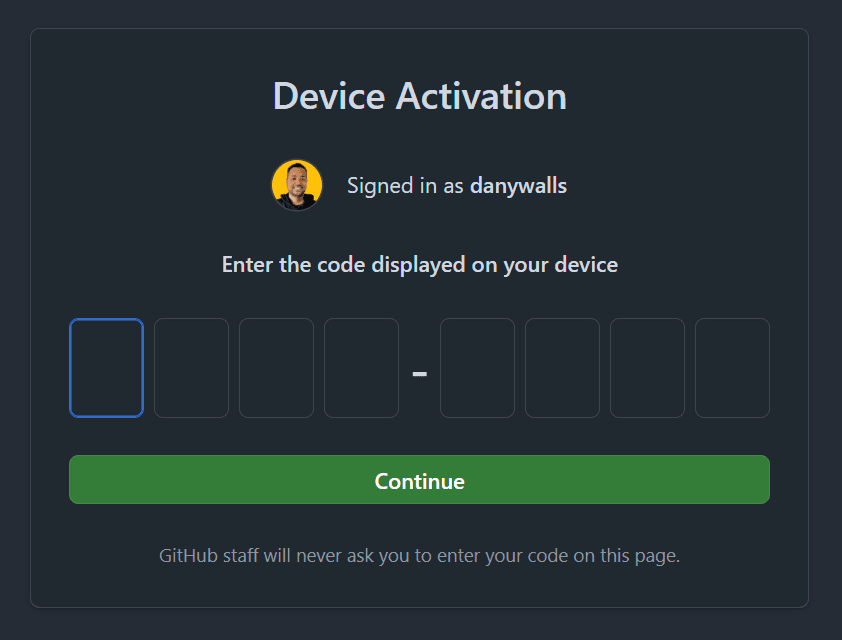
After add your authorization code, you are ready to sync your project with github.
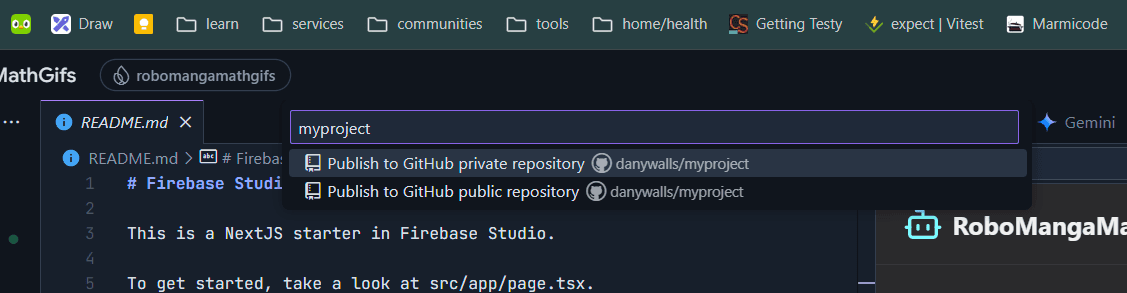
Finally, you can publish your code to GitHub as a private or public repository.
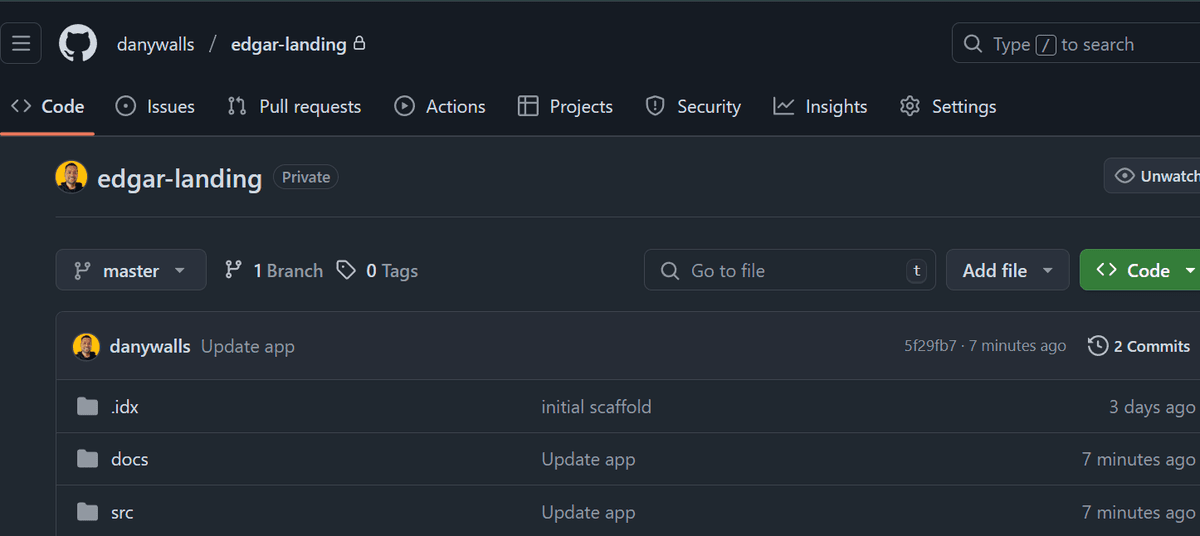
Yes, we are ready to download it as a ZIP file or clone it from GitHub!
Done!
Happy Studio and Code!
Real Software. Real Lessons.
I share the lessons I learned the hard way, so you can either avoid them or be ready when they happen.
Join 13,800+ developers and readers.
No spam ever. Unsubscribe at any time.